Project Details

Overview

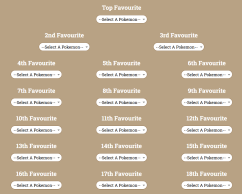
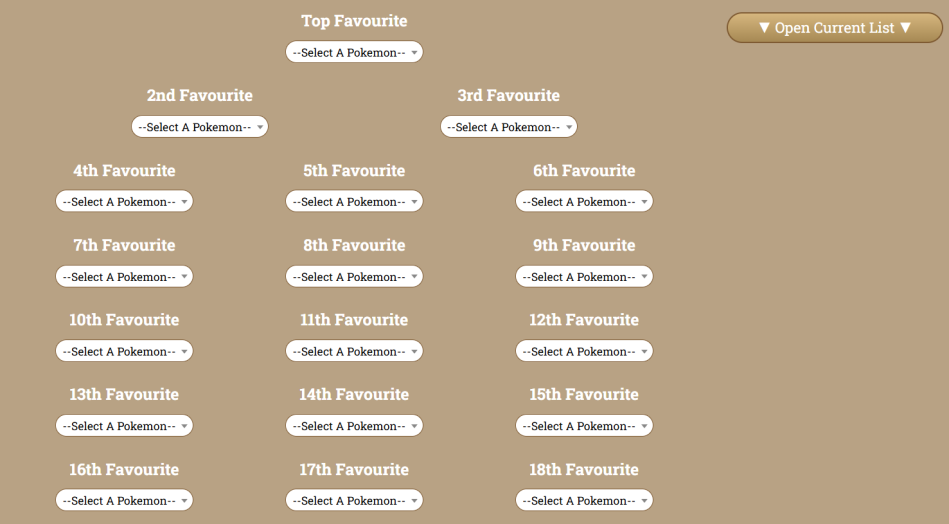
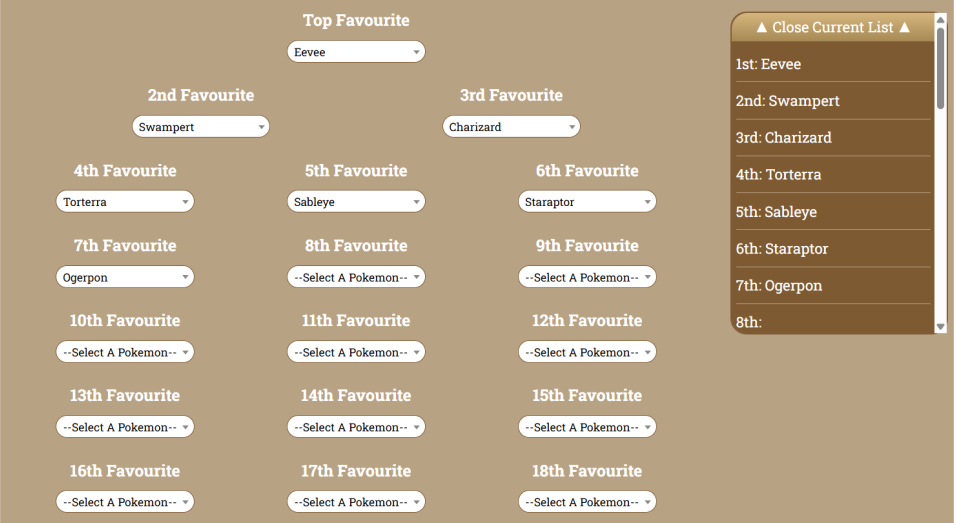
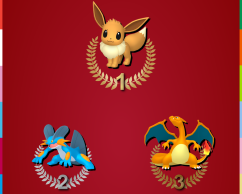
Image of 30th Anniversary Favourites Selector

Project Name:

30th Anniversary Favourites Selector


Software & Technologies Used:

-Adobe Illustrator
-CSS/SASS
-HTML
-JSON
-JavaScript
-JavaScript Libraries
-Lumen/Laravel
-Responsive Design
-VS Code

Client:

Self


Link:

30th Anniversary Favourites Selector


Description:

A special activity built in commemoration of Pokemon's 30th anniversary, where a user gets a custom image involving their top 30 Pokemon!

Case Study


For Pokemon's 30th anniversary, I wanted to do something special. Pokemon has been a huge part of my life, and I'm at a point in my life where I have skills where I can do something to help give back and celebrate with others. Thus, thanks to the 30th anniversary milestone, the idea of creating a special image featuring 30 favourite Pokemon was born!

Creating this felt like creating the Custom League Maker, except I felt the need to increase the scope of the project. I wanted to do something special and thus needing to challenge myself without getting too overly complicated. Thus, the idea of improving my design skills was something I settled on. After all, the end result is the main thing that people will be sharing so I needed to ensure that it would be something people want to share.

After consulting with a friend of mine, I settled on a design that was rather simple, but effective. I wanted something regal and prestigious, so having a background that feels like the red carpet with a radial gradient to make it feel like a spotlight was the best route! Then, I implemented some special images and styles for the top 3 spots to help give that "ranking" vibe. I would have gone with a top 6 in the image for that "trainer team" feel, but I got feedback from friends that they preferred a 9 x 3 + 3 layout rather than 6 x 4 + 6.

Unfortunately, with this design challenge came a bigger challenge. I found out when I was testing the exported image that html2canvas doesn't like a lot of CSS elements. Filters, text-shadows, radial gradients, for example were big nos, and that was exactly what I was including. Thus, I had to find a solution. After some research and testing, I found that the best solution was to switch to DOM-to-image and scrap html2canvas. DOM-to-image handles more complex CSS styles and has a similar structure as html2canvas. The problem, however, was that the exports were coming out a little blurry. I found out all I needed to do was change the scale of the image to get clarity.

↑ To Top

Mobile Menu

X