Case Study
Let me ask you a question: What is one core component of a convention? If you said "Badges", then I whole-heartedly agree with you!
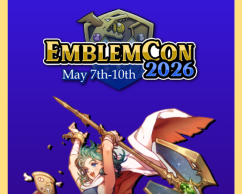
Being a digital-only convention, there are quite a few limitations that holds EmblemCon back, with badges being one of them. At least, that's what I thought. Using what I had learned from another project, I came up with an idea to create digital badges for attendees! But not just any badges, I always love the idea of personalization so I could go above and beyond and have badges that people can customize with their favourite Fire Emblem characters!
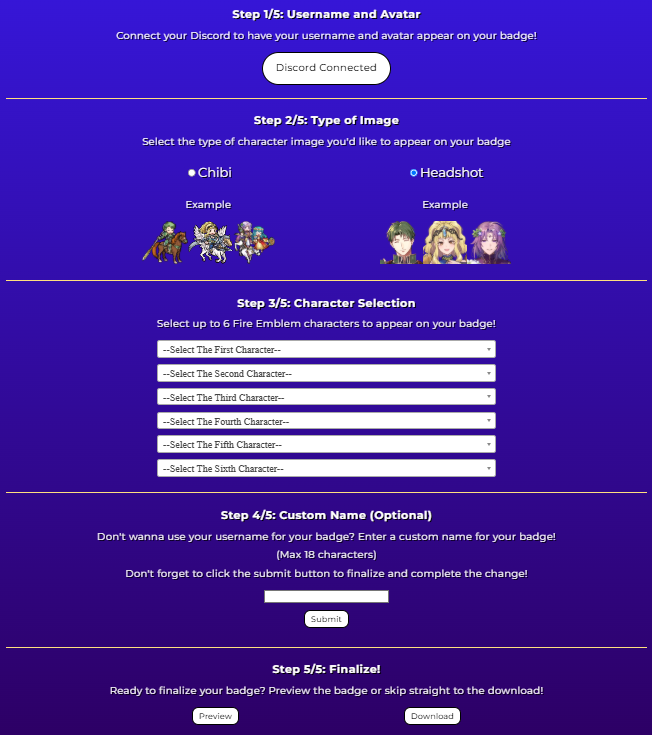
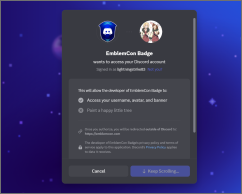
The way I did it, is I have the user first connect to the maker with information that's publically available via the Discord API. From there, there's a hidden badge that will automatically populate with the user's name and profile pic. Once the connection is successful, I wrote a Javascript function that checks for a token in the URL and if it finds one, it'll open up the rest of the options. From there, it's all optional customization.
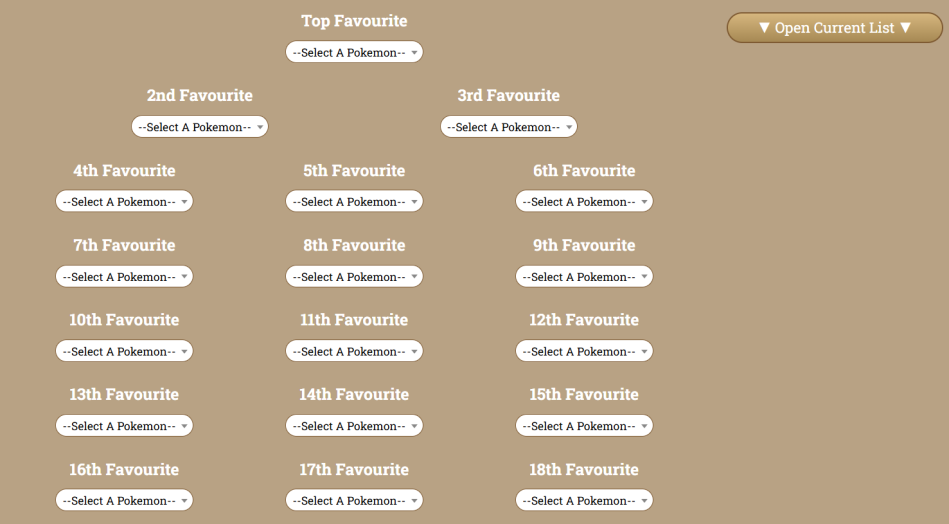
Select lists are populated with character information from the database to allow a user to select a character to be added to their badge. There's also an option that changes a JavaScript variable between chibi and headshot so there's 2 different styles of characters to choose from! I originally hosted a poll with the EmblemCon team to ask what style they would to appear on the badges, and it was split 50/50. I wanted to save myself some stress, but I'm no stranger to going above and beyond. So I spent an entire night downloading over 3000 files to be added for people to use for their badge.
Once the user is finished with the process, they can download the badge, which is being rendered out using HTML2Canvas. From there, the file is all set to go and they could share it in the Discord server!
The biggest challenge of this project was getting the right renderer for the badge. I was originally using DOM2Image but I found out the hard way that DOM2Image isn't very compatible with Apple products. It would make the images disappear on the final products. I spent days trying to find a way to make it work but sadly, sometimes library limitations are out of my control. Thus, I switched to another renderer that was recommended and thankfully, it serves its purpose!
When the Badge Maker debuted during EmblemCon 2026, a lot of attendees were surprised by it and raced to make a badge for themselves. We opened up a Discord channel to share their badges and throughout the entire weekend, almost 200 badges were made! I nearly cried from the excitement!
A highlight though was that one of EmblemCon's guests, Sarah Blandy, specifically praised the badge maker. She was happy to see so many options with a character she voices, Nino. She said, and I quote "That's one of the important things when you go to a con, you get a badge right? I think it's such a great idea, it's so cool."